Repository navigation
Keep a read-only TextInput focusable on Android - #59156
YevheniiKotyrlo wants to merge 1 commit into
Conversation


editable={false} disabled the EditText, so a hardware keyboard's Tab
skipped it, TalkBack announced it as disabled, and its text could not be
selected. Refuse input the way TextView does instead: the input drops
its key listener while it is read-only, which leaves no input method,
hardware key or cut and paste able to edit it and keeps it focusable.
TextView reports TYPE_NULL for such a view and marks every EditText
editable for accessibility, so the multiline, secure-text and input-type
reads use the configured type, and the accessibility delegate drops the
editable flag and ACTION_SET_TEXT while the input is read-only.
 meta-cla
Bot
added
the
CLA Signed
meta-cla
Bot
added
the
CLA Signed
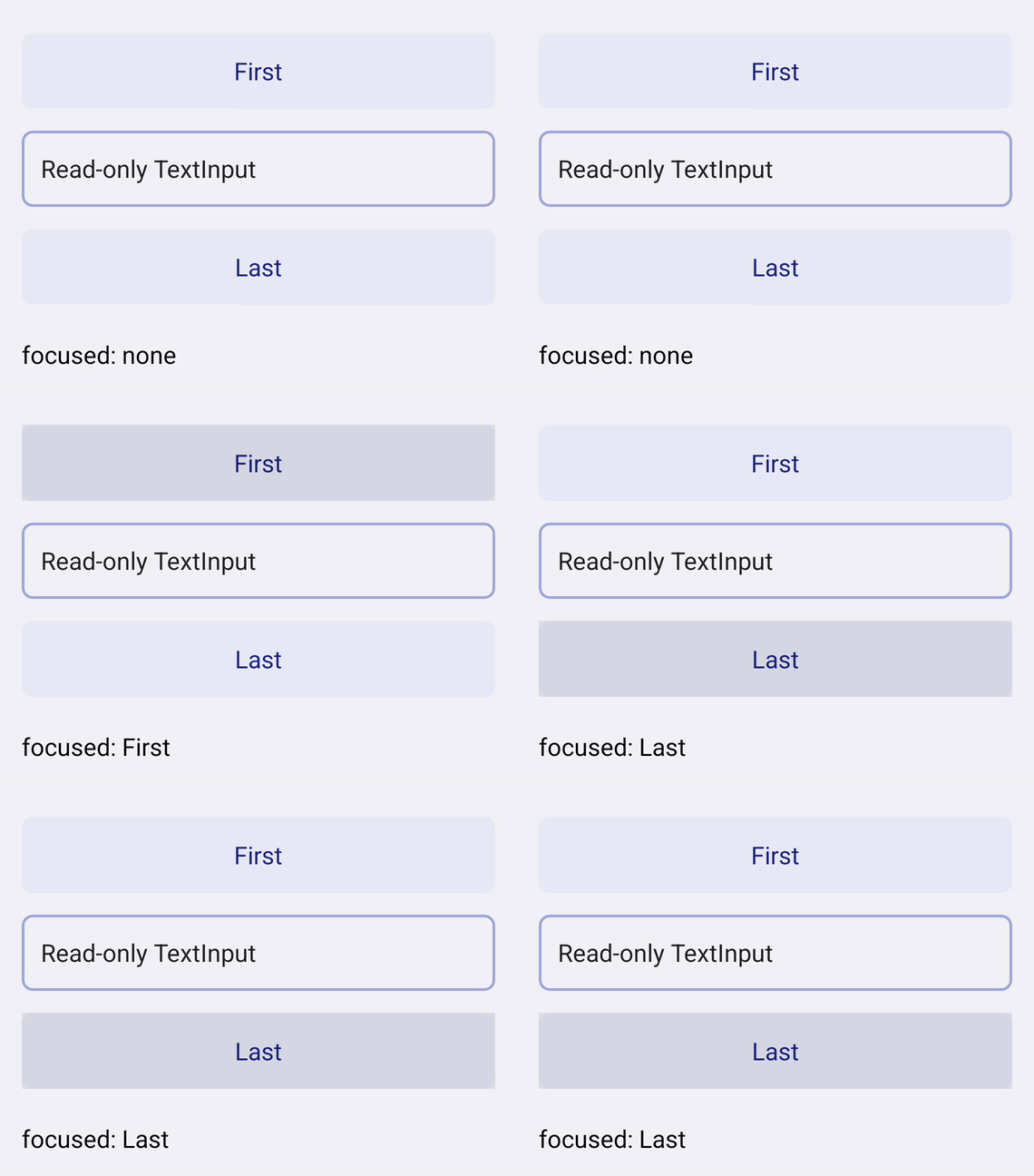
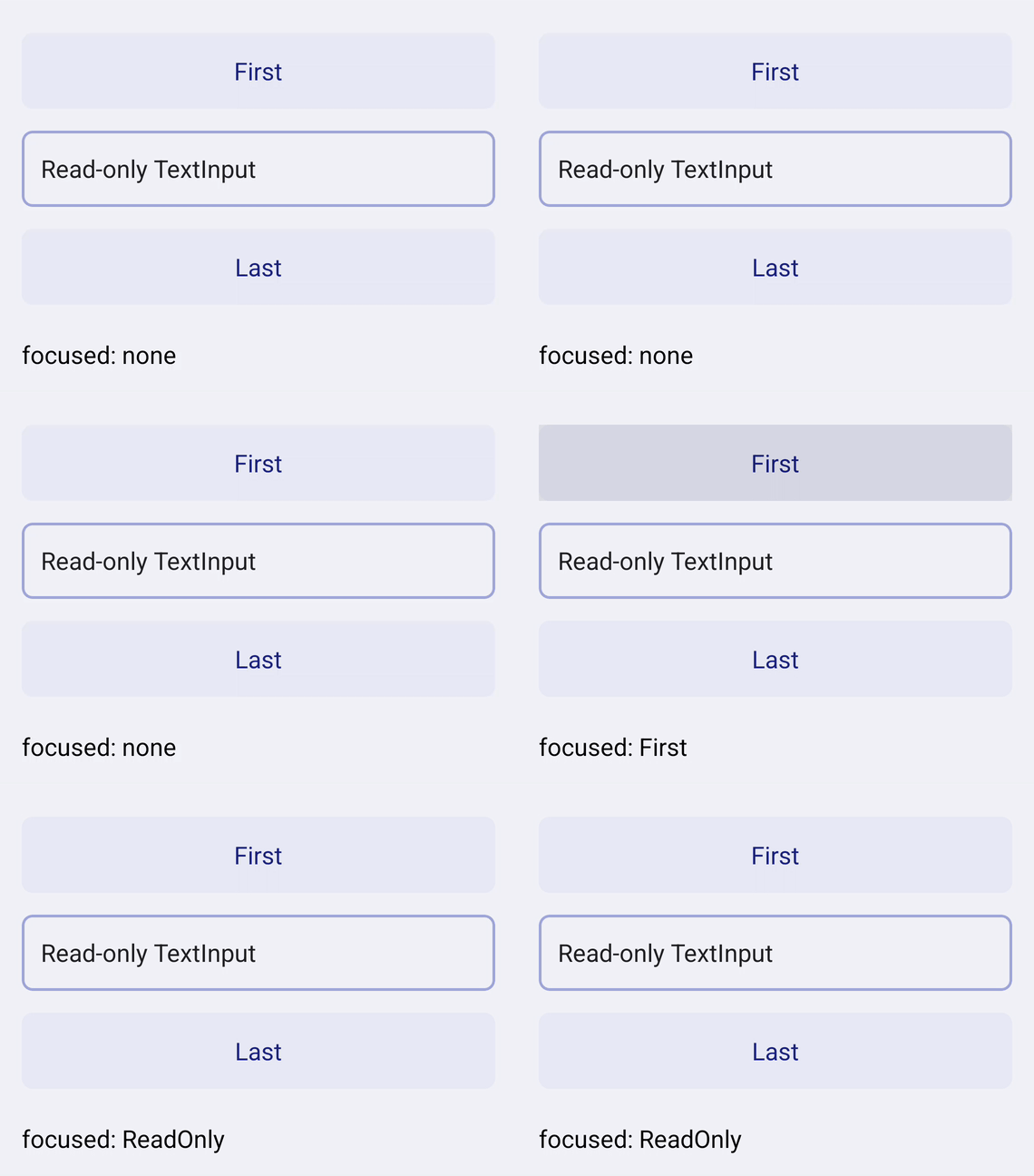
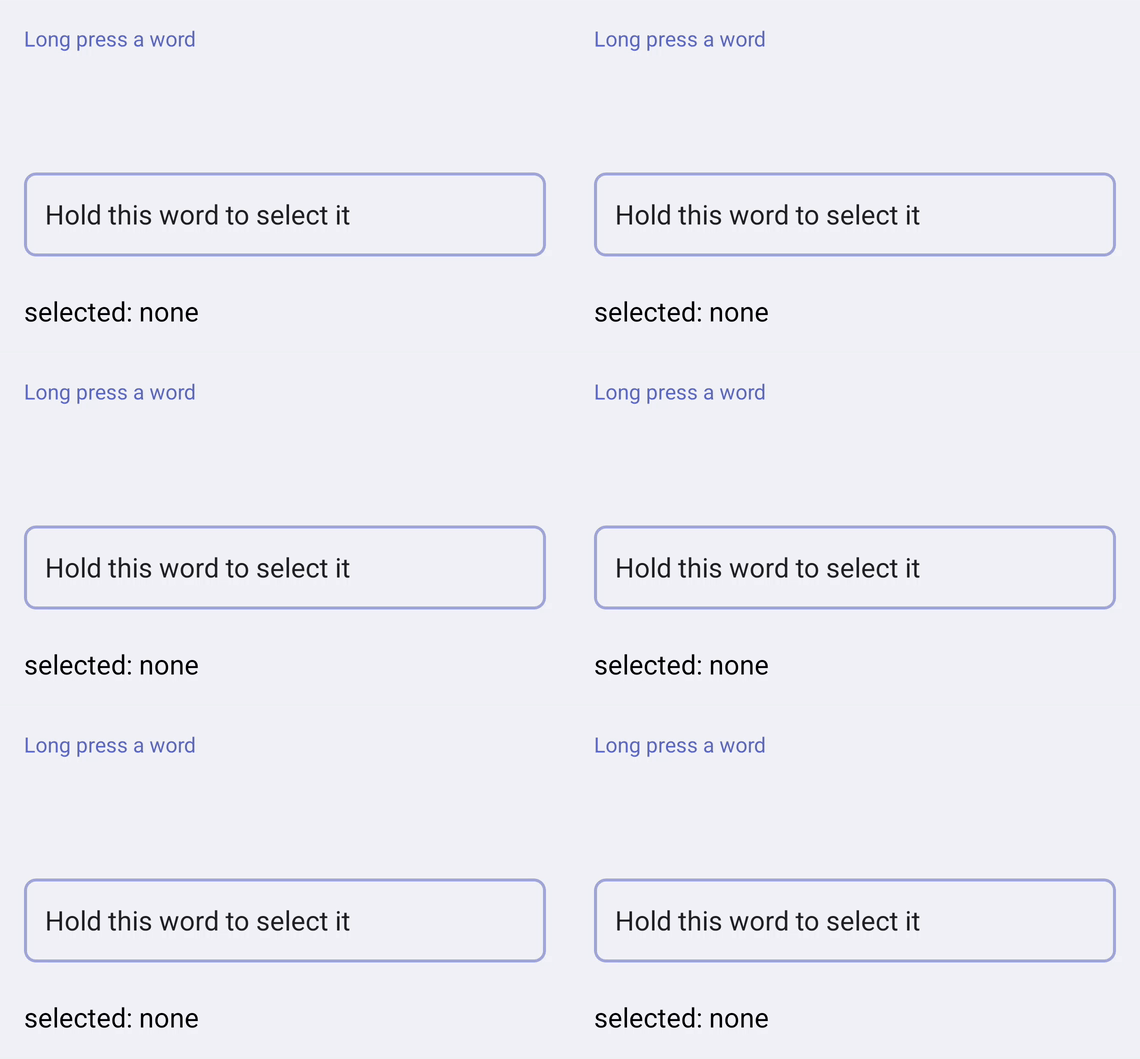
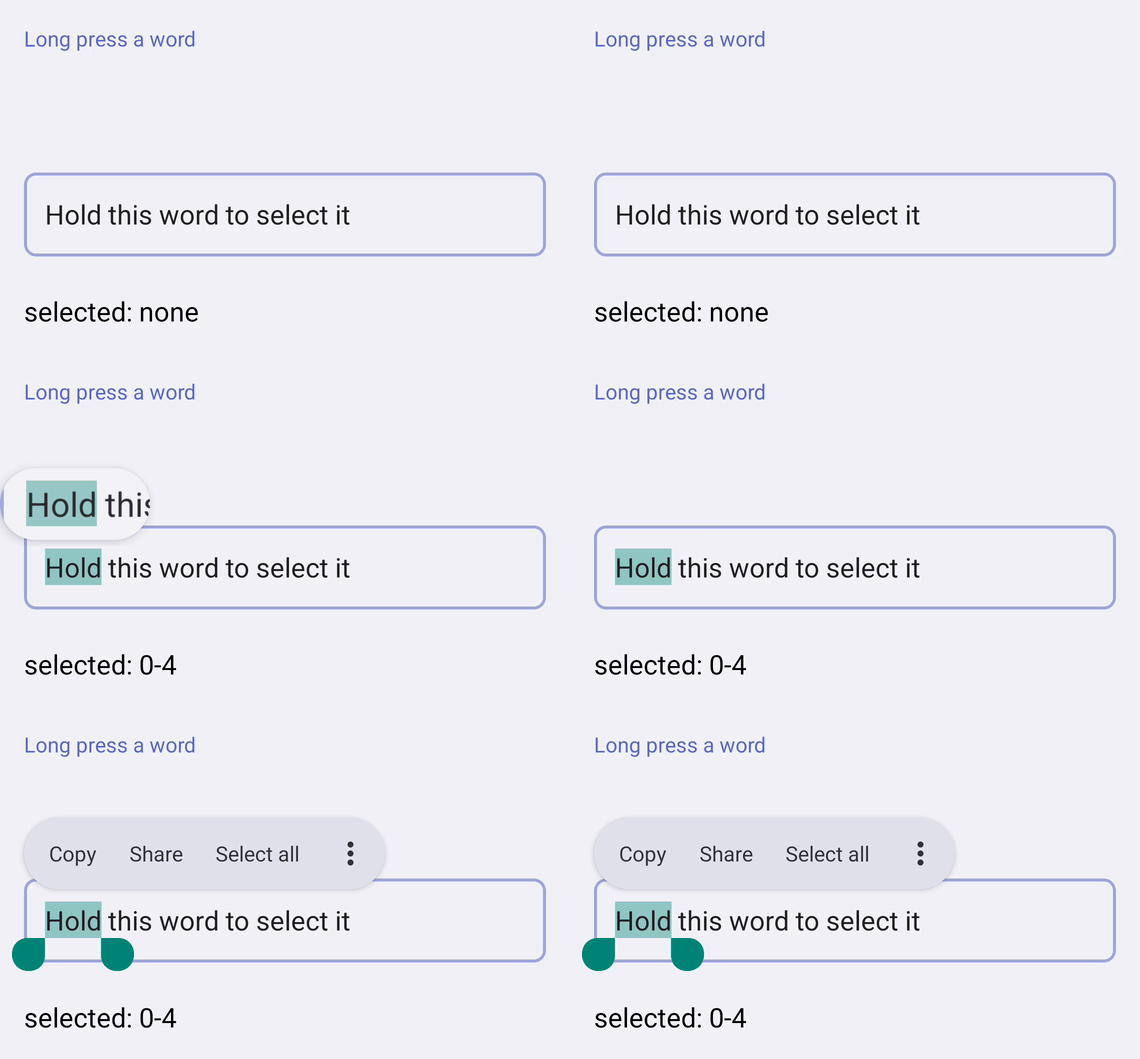
Device evidence — before / afterUNFIXED — from touch mode, the first Tab focuses the First box and the second passes over the read-only FIXED — the second Tab stops on the read-only input, and the long press selects the word, offering Copy and no Cut or Paste.
Screen recordings of RNTester debug builds of |
This branch has not been deployed
1 participant

Summary:
On Android,
editable={false}disables theEditText:ReactTextInputManager.setEditablewrites the prop ontoView.isEnabled. A disabled view takes no focus, so a hardware keyboard's Tab skips a read-only input, TalkBack announces it as disabled, and its text cannot be selected or copied.readOnlyreaches native aseditable={!readOnly}, so it is the same view. On the web areadonlyinput keeps its tab stop, its focus and its selection and refuses only edits.This refuses input the way
TextViewdoes instead:ReactEditTextdrops its key listener while it is read-only. ATextViewwith no key listener is no text editor, so no input method serves it, hardware keys do not edit it and cut and paste leave its selection menu, while its movement method keeps it focusable and selectable. The view stays enabled, andaria-disabled/accessibilityState={{disabled: true}}still disable it throughBaseViewManager.Two
TextViewbehaviours follow from a missing key listener:getInputType()reportsTYPE_NULL, soisMultiline,isSecureTextandcommitStagedInputTyperead the input type the props configured.TextViewmarks everyEditTexteditable for accessibility and performsACTION_SET_TEXTwhatever its key listener, so the input's accessibility delegate clears the flag, removes the action and refuses it while the input is read-only.The soft-keyboard guard checks
isEditableas well, so the paths that focus an input on their own —autoFocus, the accessibility delegate's click and a long-press selection — raise no keyboard for a read-only input.focus()keeps its contract:TextInputState.focusTextInputstill refuses a non-editable input (#30695).Related: #7437, #30597.
Changelog:
[ANDROID] [FIXED] - A
TextInputwitheditable={false}orreadOnlykeeps its focus, its tab stop and its text selectionTest Plan:
ReactTextInputPropertyTest: onmain,testEditable,testNonEditableTakesFocusandtestNonEditableRefusesAccessibilitySetTextfail; with this change the class passes (34 tests). New cases cover refused hardware keys, the refusedACTION_SET_TEXT, and the keyboard type, multiline and secure entry kept across a read-only window../gradlew :packages:react-native:ReactAndroid:testDebugUnitTest -Preact.internal.useHermesStable=truepasses (769 tests), andnode ./scripts/format-kotlin.js --checkis clean.