
.NET 8.0 razor-ssg Static Generated Razor Pages Project Template
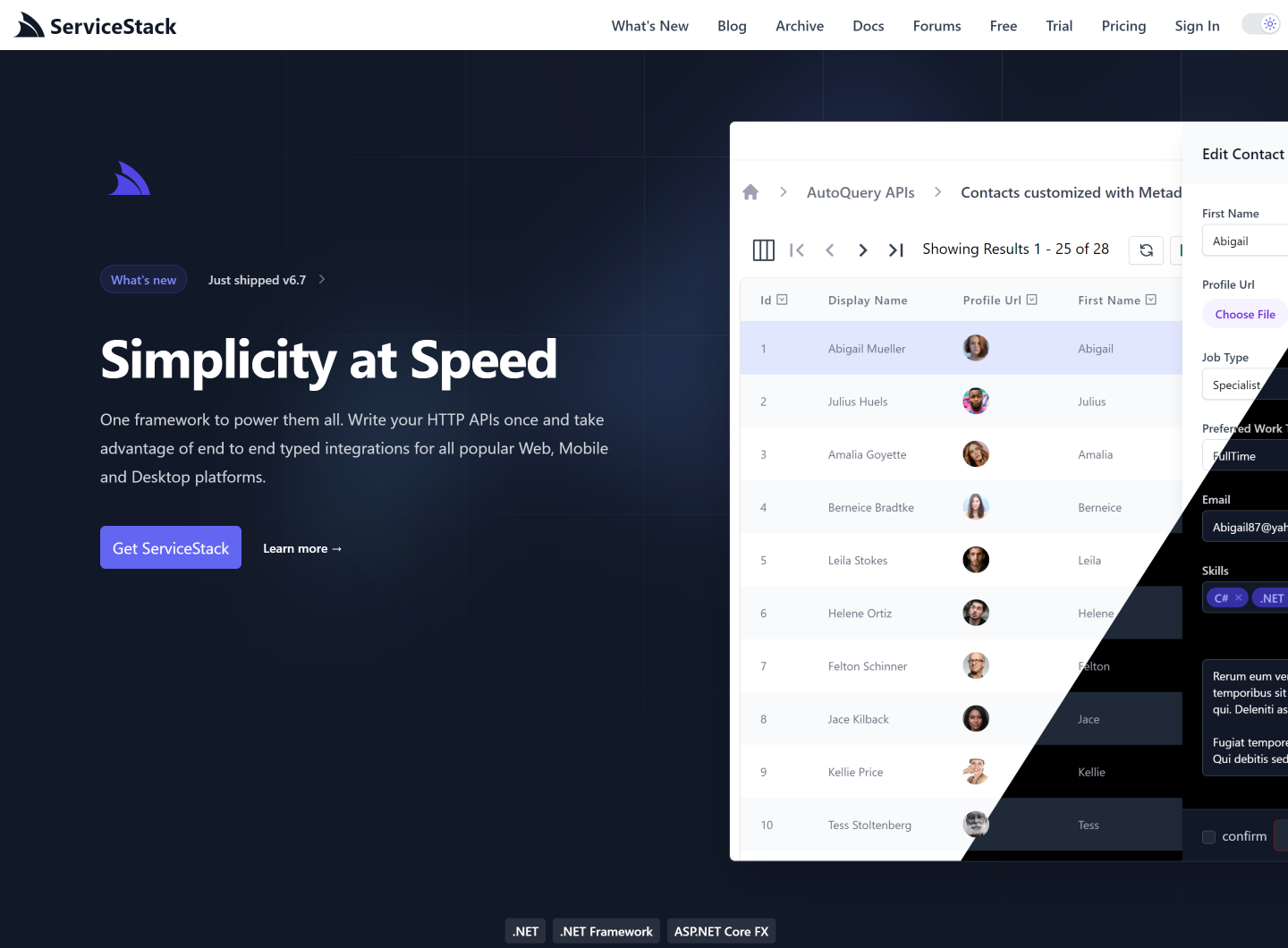
Browse source code, view live demo razor-ssg.web-templates.io and install with dotnet-new:
$ dotnet tool install -g x

$ x new razor-ssg ProjectName
Alternatively write new project files directly into an razor-ssg repository, using the Directory Name as the ProjectName:
$ git clone https://github.com/<User>/<ProjectName>.git
$ cd <ProjectName>
$ x new razor-ssg
Documentation for this template is included at /posts/razor-ssg.
Tasks to run live reload Tailwind and .NET Razor Pages App during development:
$ npm run ui:dev
$ dotnet watch
Tasks to prerender and preview production ssg website build:
$ npm run prerender
$ npm run serve
Production deployment automatically applies MyApp/wwwroot/s3-redirects.json to the
servicestack.net bucket's website routing rules before invalidating CloudFront.
This file is the authoritative list: it replaces the existing routing rules while
preserving the bucket's current index and error-document settings. Identical rules
are left unchanged. The deployment fails rather than changing a bucket that has no
index document or redirects all requests to another host.
The deployment's AWS identity needs s3:GetBucketWebsite and s3:PutBucketWebsite
on arn:aws:s3:::servicestack.net, in addition to its existing upload permissions.
Redirects require CloudFront to use the S3 static-website endpoint as its origin.
To apply routing-rule changes manually with configured AWS credentials:
python3 scripts/sync_s3_redirects.py --bucket servicestack.net --rules MyApp/wwwroot/s3-redirects.json